Test how tariffs, inflation, fuel prices, and supply chain disruptions could impact future demand before making critical planning decisions.
Scenario analysis helps companies understand how changing market conditions could impact future demand.
Instead of relying on a single static forecast, teams model multiple possible outcomes using external market drivers such as tariffs, fuel prices, inflation, supply chain disruptions, and consumer demand.
This helps organizations reduce uncertainty, improve forecast accuracy, and make faster operational and strategic decisions.
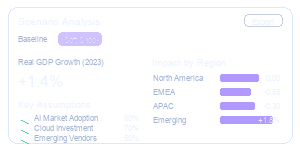
Uncertainty is the new normal. Scenario analysis helps teams prepare for multiple future outcomes using real-world market drivers and probabilistic forecasting.
.png)
Compare different demand outcomes before decisions are made.
.png)
See the probability and impact of each scenario on your business.

Test strategies and prioritize actions based on data, not assumptions.
Integrate macroeconomic signals, demand data, and pricing drivers.
Test how changes in demand, costs, or external factors impact your forecast.
Integrate macroeconomic signals, demand data, and pricing drivers.
Test how real-world changes impact your forecast before they happen.

How would a 20% decline in demand impact your forecast?


What if GDP growth slows and market conditions weaken?

How would a 5% price increase affect sales and profitability?

What if supplier delays increase costs and reduce service levels?
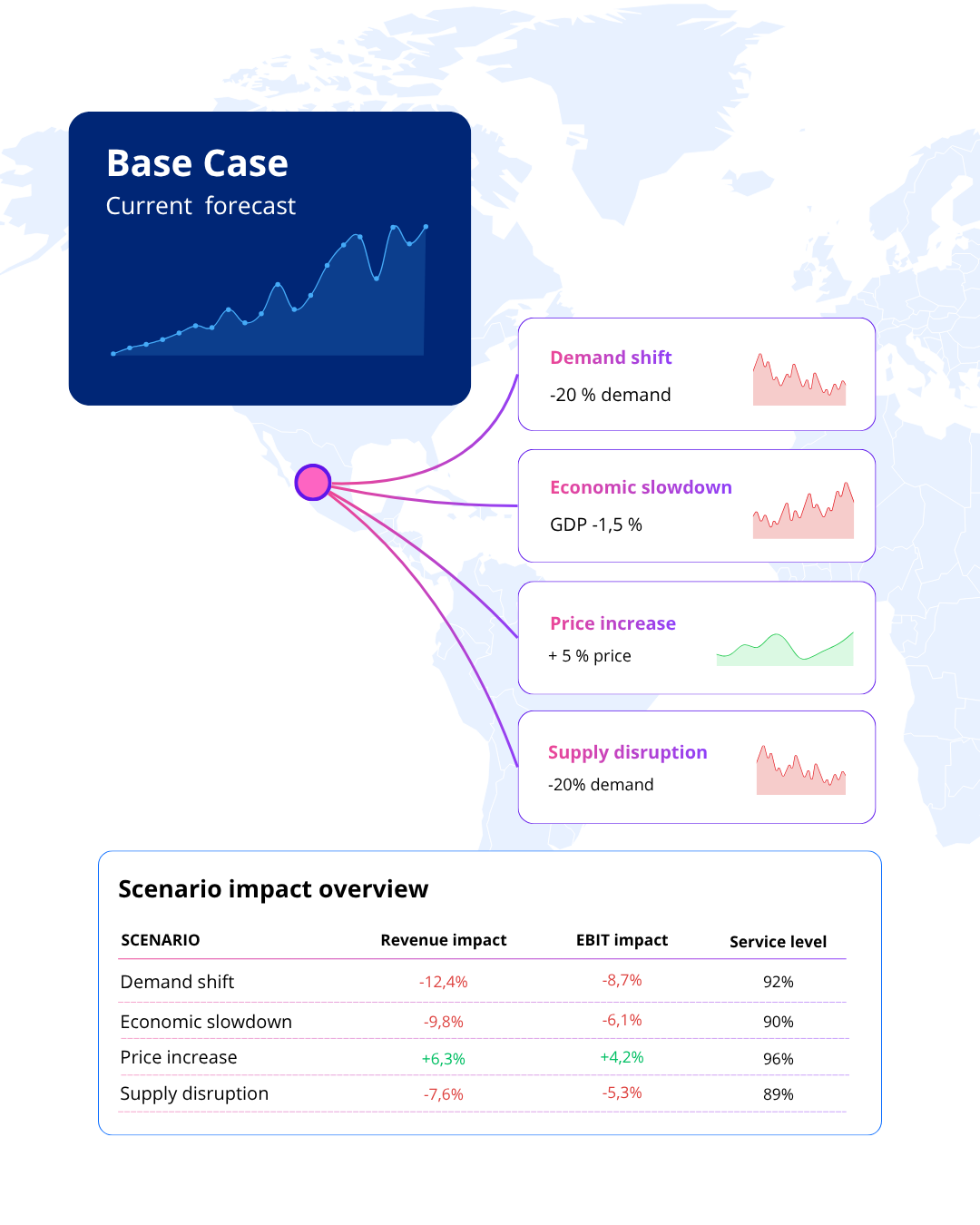

Scenario analysis helps organizations evaluate how changes in demand, pricing, supply chains, and economic conditions may impact forecasts and business performance.
Model how changes in customer demand affect production, inventory, and operational planning.

Evaluate how price increases or reductions influence revenue, margins, and forecast accuracy.

Understand how economic uncertainty and slower market growth may impact future demand.
Simulate the impact of delays, shortages, and capacity constraints across the supply chain.
Assess how tariffs, trade barriers, and rising import costs affect profitability and planning.
Built for organizations navigating uncertainty and changing market conditions.
Forecast demand using real-world economic and market signals instead of relying on static assumptions.
Connect external indicators directly to your forecasting process and understand what drives demand.
Align forecasts from total market down to segment, product, and country level.

Turn complex market dynamics into clear actions with transparent outputs and scenario-based insights.
Many organizations still rely on spreadsheets, disconnected data, and manual processes to build forecasts. Indicio helps teams improve accuracy, evaluate uncertainty, and align planning across the business without adding unnecessary complexity.

Indicio works alongside your existing planning process, automating data updates, improving consistency, and reducing manual work without disrupting how teams operate.
Advanced models run in the background while the platform remains accessible for planners, analysts, and decision makers.
Connect external indicators, market intelligence, and internal demand data in one place to create forecasts based on real-world drivers.

Create a single source of truth for forecasting by aligning market, sales, finance, and supply chain teams around the same data and scenarios.

Scenario planning in Indicio lets you test “what if” questions on top of your forecasts. You can tweak key drivers like demand, prices or macro factors, run alternative paths such as base, upside and downside, then compare the financial and operational impact across scenarios.
You start from an existing forecast, define your key assumptions, and then create alternative scenarios like base, upside, and downside. You adjust drivers in each, run them, and compare results side by side. Scenarios can be saved, renamed, and reused for future planning cycles.
Yes. You can connect scenarios to external drivers such as macroeconomic indicators, market indices, prices, or other external data. Changing those drivers lets you stress test your forecasts and see how different economic or market paths affect your outcomes.
Scenario results are shown with side by side charts and tables so you can compare key metrics across scenarios. You can export results to your BI tools, share links or reports, and use visuals in presentations or management reviews.
Scenarios should be refreshed whenever new data or key assumptions change, typically in line with your planning cycle or major events. You can automate updates so scenarios roll forward with the latest forecasts and driver values, reducing manual work.
Scenario analysis becomes even more powerful when combined with explainable forecasting, automated model building, and advanced variable selection.

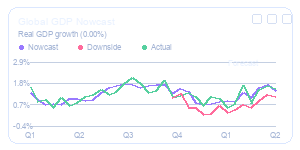
Understand which drivers influence your forecast and why.
Learn more >>
.png)
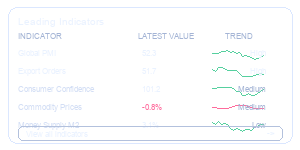
Identify the external signals that improve forecast accuracy and remove variables that add noise.
Learn more >>
.png)
Build, test, and deploy forecasting models in minutes without coding or data science expertise.
Learn more >>
Experience the ease and accuracy of Indicio’s automated forecasting platform firsthand. Click to start a virtual demo today and discover how our cutting-edge tools can streamline your decision-making process.

We provide automated forecasting software that blends cutting-edge academic methods with market-specific leading indicators. This helps your organization reach the highest level of forecasting accuracy.
© 2025 Indicio Technologies All Rights Reserved